Turn three images into a PDF, select pages and package the result
Preparing images for submission involves creating the document, selecting its pages and packaging the final files. Follow the whole task with three invented pages carrying large numbers and titles. They provide a repeatable exercise without supplying personal documents or camera scans.
Example files
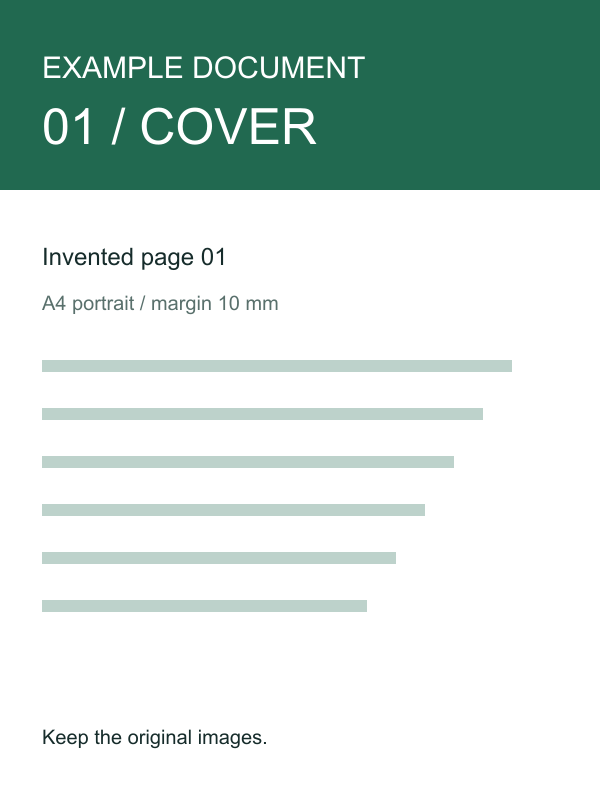
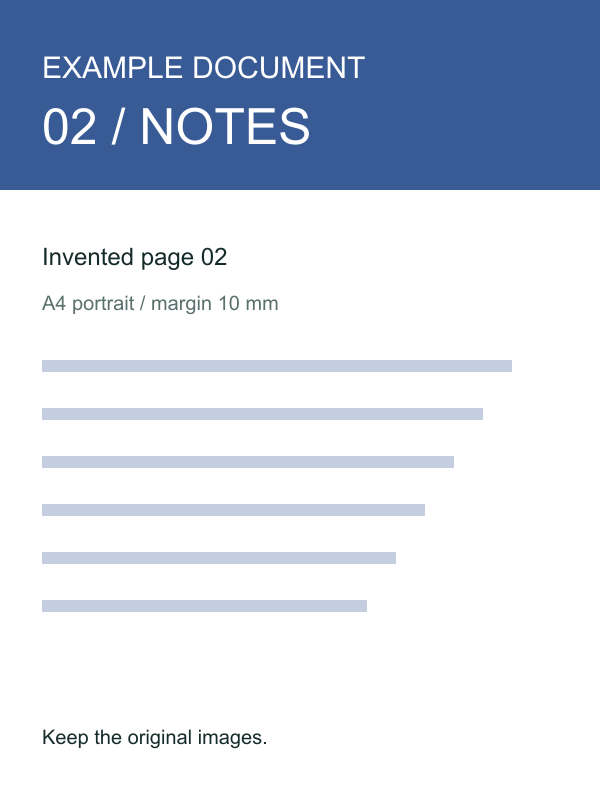
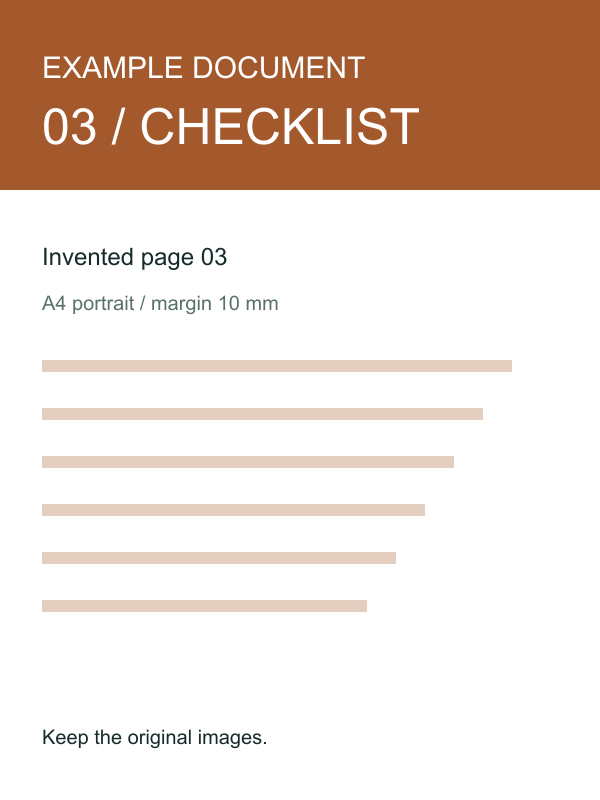
Notes to include in the package
An example text file stating the paper size, margins and final page order.
Download / 96 BFollow the steps
Create a PDF in filename order
Choose the three PNG files in Images to PDF. Arrange the list as 01-cover.png, 02-notes.png, 03-checklist.png. Choose A4, portrait and a 10 mm margin. Create the PDF and save it as images.pdf. Open it and inspect the large titles on all three pages.
Open tool →Move page 3 first and exclude page 2
Select images.pdf in the PDF page organizer. Move its Page 3 upward twice, then uncheck Page 2. Confirm the selected order is Page 3 followed by Page 1 and create the new PDF. Save it as submission.pdf and open it to check two pages, CHECKLIST then COVER.
Open tool →Package the final PDF and notes
In ZIP create mode, select submission.pdf and the downloaded submission-notes.txt. Keep compression enabled, create the ZIP and save it as submission.zip. This example package contains two files and does not include the original PNG images.
Open tool →Check the copy extracted from the ZIP
Switch to opening a ZIP, select submission.zip and read its entries. Confirm both filenames, deselect all, select only submission.pdf and extract it. Open the PDF and check its two pages. For an exact comparison, calculate SHA-256 for the PDF before packaging and the extracted copy with the hash tool.
Open tool →
Measured results
The actual tools produced images → a three-page PDF → a two-page PDF → a two-file ZIP. Extracting the PDF again returned exactly the same bytes as the file put into the ZIP. Sizes below are observations for these downloadable examples.
| Stage | Pages / files | Content order | Bytes | File |
|---|---|---|---|---|
| Source images | 3 | 01 / COVER → 02 / NOTES → 03 / CHECKLIST | 79,047 | |
| Images to PDF | 3 | 01 / COVER → 02 / NOTES → 03 / CHECKLIST | 68,527 | Download |
| Organized PDF | 2 | 03 / CHECKLIST → 01 / COVER | 46,345 | Download |
| ZIP package | 2 | submission.pdf + submission-notes.txt | 41,852 | Download |
SHA-256 / submission.pdf
45fe64d78dfd70cfd3f8f1e2f24efcfee6755ff745648f4f85072034f37cc6c3Understand the result
A4 page size and image pixels measure different things
The PDF uses portrait A4 pages, approximately 595.28 × 841.89 pt. The 600 × 800 px originals fit proportionally inside 10 mm margins. Selecting A4 cannot create sharper letters from a low-resolution original. Open the downloaded PDF and zoom in to check readability.
Page selection produces a new copy
Keep the PNG originals and the three-page images.pdf so you can rebuild a version that includes NOTES. Use the page thumbnails to match source page numbers with visible titles, then check the downloaded document.
ZIP packages files for delivery
This example ZIP is smaller than the combined PDF and notes, but another PDF may save little space or even make a larger ZIP. Already compressed image data limits further savings. The important integrity check is whether extraction returns the same PDF you packaged.
When the result is different
- Images or text look too small in the PDF.
- Check both the original pixel dimensions and its size on the page. Blurry source text needs a better original. Changing margins changes placement size, so reopen the generated PDF after making that change.
- Can I use the same process for signed PDFs or forms?
- This exercise creates a new static image PDF. The organizer rejects encrypted and form PDFs and does not preserve digital signatures or page annotations. Use the source editor when those features must survive.
- My regenerated PDF or ZIP has a different checksum.
- Regenerating a PDF or ZIP can change metadata and compressed bytes. The integrity check compares the PDF packaged and extracted within the same run. For a new run, inspect page count, order and content as well.
Test conditions and sources
Every step used the browser tools. Verification read PDF page counts and A4 dimensions, then compared embedded image pixels with the sources to confirm order 03 then 01. After ZIP creation, the tool extracted only submission.pdf; its bytes and SHA-256 matched the pre-packaging PDF. This exercise does not include physical printing or readability testing of camera scans.
Chromium 156.0.8078.4 / Windows /