Make a 200 KB image: compare size, dimensions and readable text
An attachment can meet its byte limit and still have unreadable text or too few pixels. Process a generated landscape, an invented screen with text and a table, and a high-detail pattern under the same limits. The landscape is synthetic, not a camera photograph. The noise pattern is a deliberately difficult compression input.
Example files
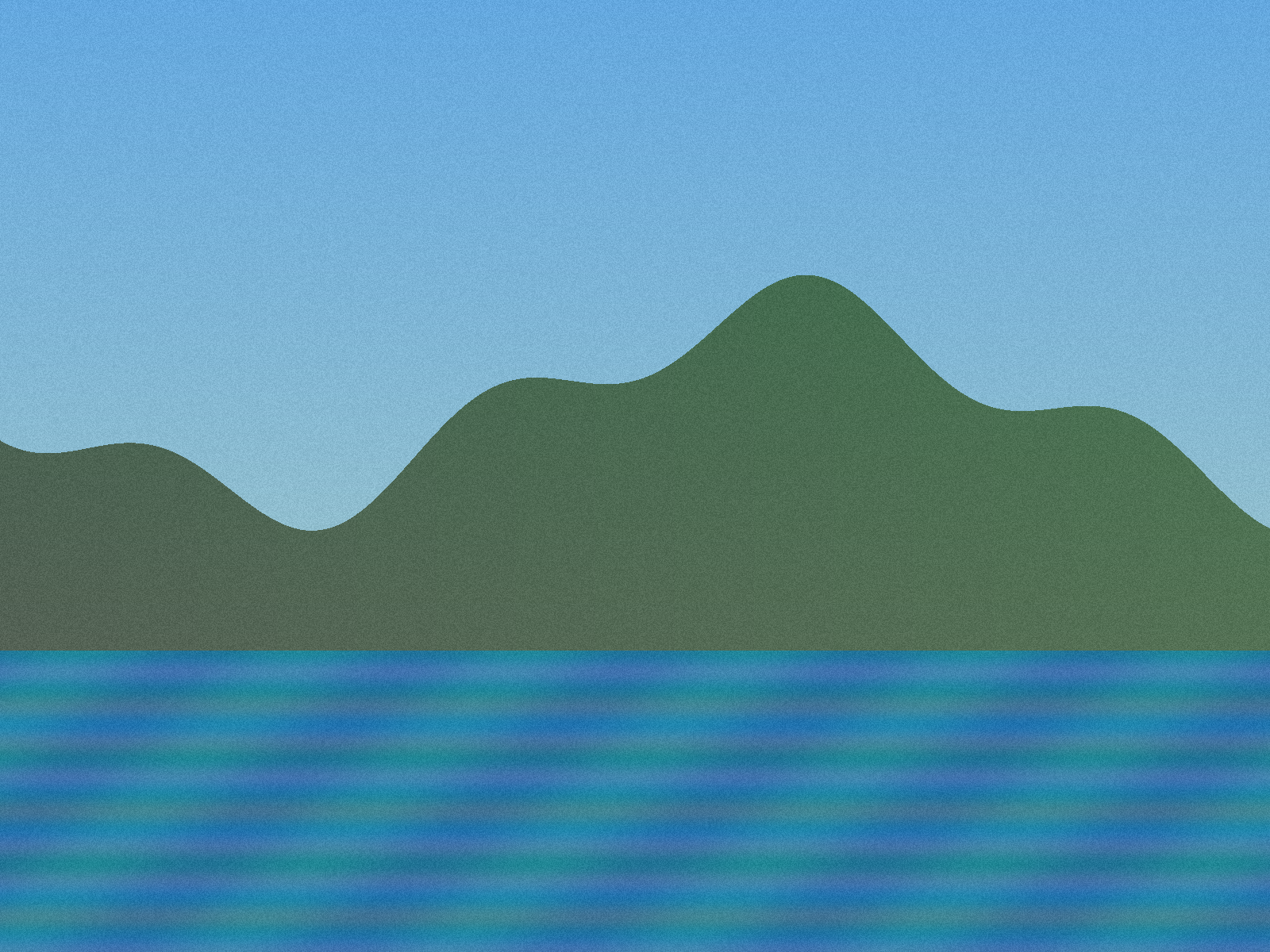
Synthetic landscape PNG
1,600 × 1,200 px. An original generated scene with color gradients and texture.
Download / 2,759,315 B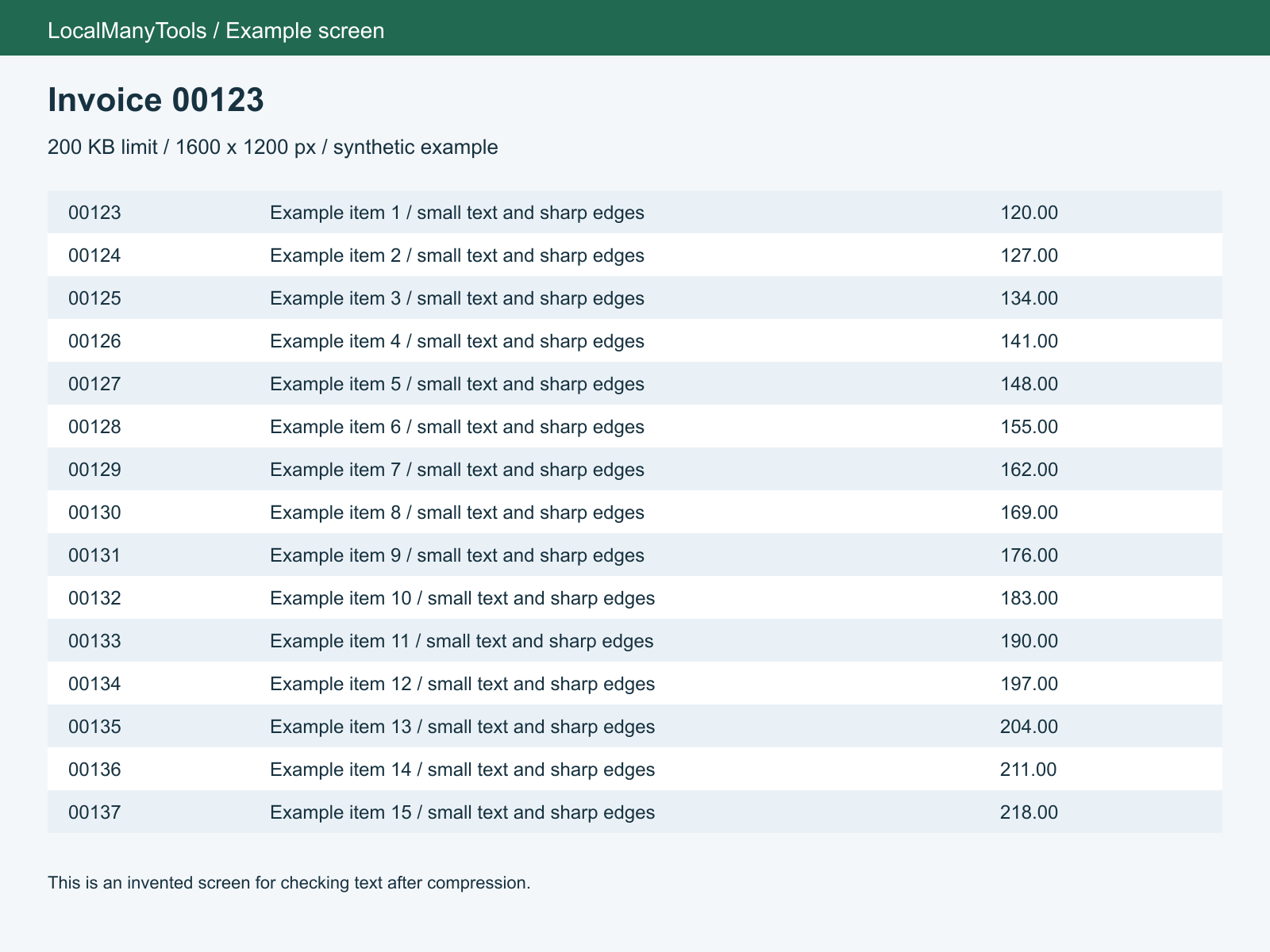
Text-heavy screen PNG
1,600 × 1,200 px. An invented screen for checking a table, small text and lines.
Download / 209,272 B
High-detail noise PNG
1,600 × 1,200 px. High-contrast test data made with a fixed random seed.
Download / 896,243 BFollow the steps
Fix the input and limits
Download one example PNG and select it in the image tool. Set maximum size to 200 KB, maximum width and height to 1,200 px each, minimum width and height to 1 px each, and leave the ratio unrestricted. These examples have no transparency.
Open tool →Change only the output format
Run the optimization as JPEG and save the copy. Repeat with WebP using the same original and numeric settings. You can also download the measured copies from the results table below.
Compare measurements and visible detail
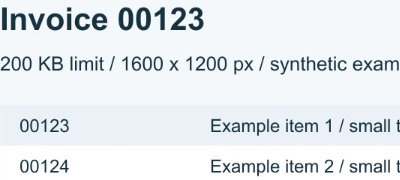
Check the downloaded files’ byte counts and pixel dimensions. At 100% zoom, compare 00123, small letters and color boundaries in the example screen. The PNG reference was resized to 1,200 × 900 px in the same browser without lossy encoding, allowing you to separate resizing from encoding effects.
Try a limit that cannot meet the minimum dimensions
For the noise PNG, set the maximum size to 1 KB, minimum width to 1,200 px and minimum height to 900 px. The tested browser found no output meeting those conditions and offered no download. This is a failure exercise, separate from any real submission requirement.
Measured results
These are observed files produced by the browser tool with fixed inputs and limits. This experiment does not match JPEG and WebP at an equal quality score. The tool searches for a result within the limits for each format.
| Sample | Format | Input bytes | Output pixels | Output bytes | File |
|---|---|---|---|---|---|
| Synthetic landscape | JPEG | 2,759,315 | 1200 × 900 | 144,479 | Download |
| Synthetic landscape | WEBP | 2,759,315 | 1200 × 900 | 128,468 | Download |
| Text-heavy example screen | JPEG | 209,272 | 1200 × 900 | 161,955 | Download |
| Text-heavy example screen | WEBP | 209,272 | 1200 × 900 | 95,270 | Download |
| High-detail noise | JPEG | 896,243 | 1200 × 900 | 138,881 | Download |
| High-detail noise | WEBP | 896,243 | 984 × 738 | 197,960 | Download |
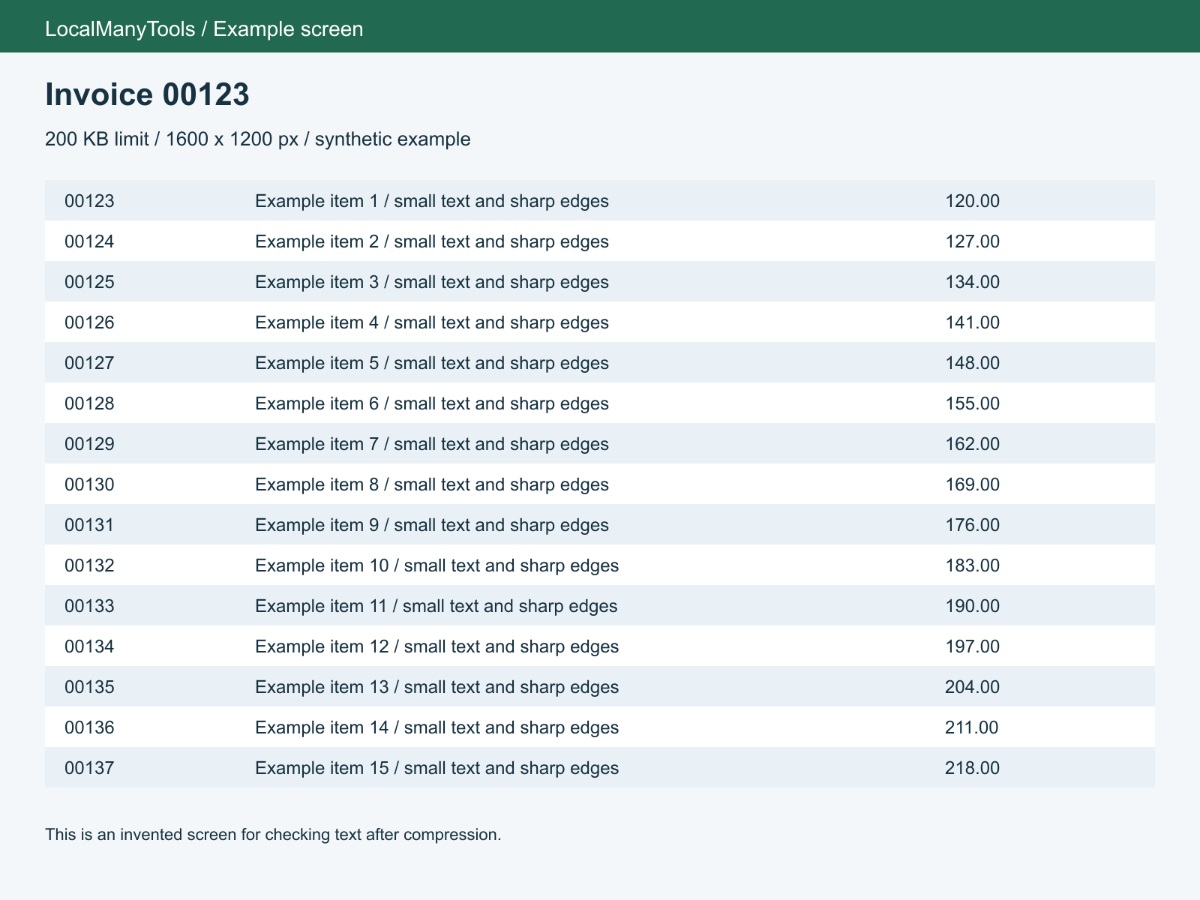
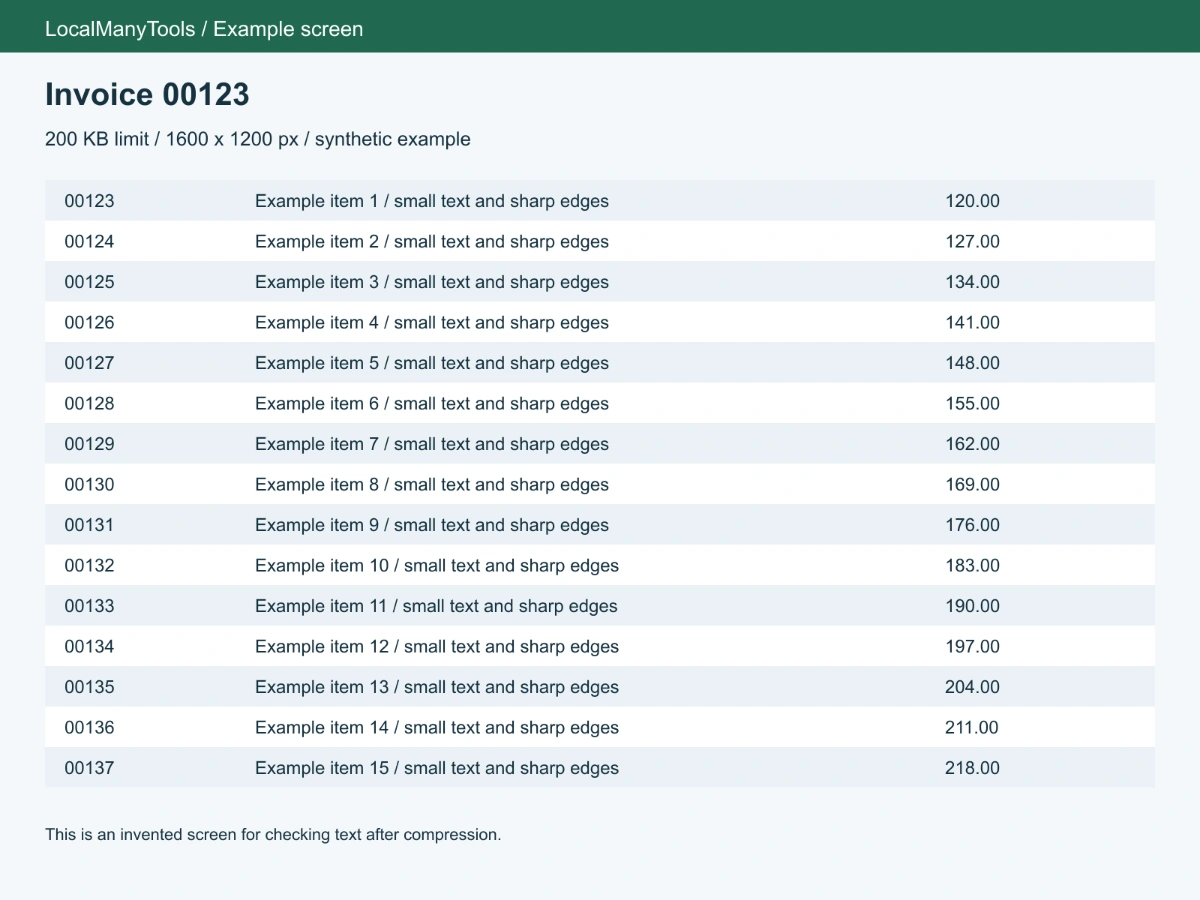


Compare text at the same pixel scale
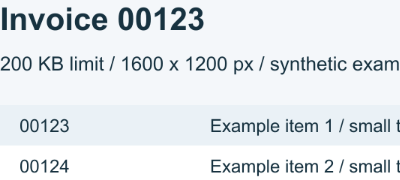
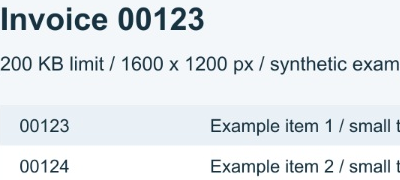
These are 400 × 180 px crops of the same area in 1,200 × 900 px images. Scroll horizontally on a narrow screen. The PNG reference already includes resizing, so differences here show encoding effects. Inspect the full copies too.
Understand the result
1,200 × 900 px is the starting fit
Fitting the 1,600 × 1,200 px original inside the maximum width and height first gives 1,200 × 900 px. The noise example’s WebP needed another reduction to 984 × 738 px. JPEG met the byte limit at lower quality while retaining 1,200 × 900 px. Equal dimensions do not establish equal quality.
Check text even in a smaller file
For the example screen, the WebP copy used fewer bytes than the JPEG copy. This does not establish a universal winner for all images. Inspect the matching crops below for letter strokes, halos and sharpness, and check the full images at the size where you will use them.
Choose within the receiving service’s rules
If a service accepts only JPEG, choose JPEG. Enter any required minimum dimensions instead of lowering them just to obtain an output. These six files are observations, not a promise that another input or browser will produce the same size and quality.
When the result is different
- Why does 200 look different from the displayed 200 KB?
- This tool uses 1,000 bytes per KB. An operating system or another service may display KiB or rounded values. Compare the actual byte count with the receiving service’s definition.
- The copy is smaller, but the letters are hard to read.
- Check both 100% zoom and the intended display size. If allowed, increase the byte limit or keep the original screen. Enlarging an already degraded copy cannot restore lost letter detail.
- The byte limit and minimum dimensions cannot both be met.
- No download is offered when the requirements cannot be met. Check whether the receiving service permits another format or size limit. If a crop is acceptable, use the batch crop panel on the image page and review the selected area before processing.
Test conditions and sources
All measured copies were made with the same image tool: maximum 1,200 × 1,200 px, minimum 1 × 1 px, maximum 200,000 bytes, unrestricted ratio. The 400 × 180 px crops show the same area in the resized PNG reference and both encoded screen copies. Encoders and displays vary; this is not a quality ranking or a claimed compression rate for all photographs.
Chromium 156.0.8078.4 / Windows /